
Time Zones
Retreaver allows you to change time zones so the dates used in reporting reflect your local time.
How to Change Your Time Zone
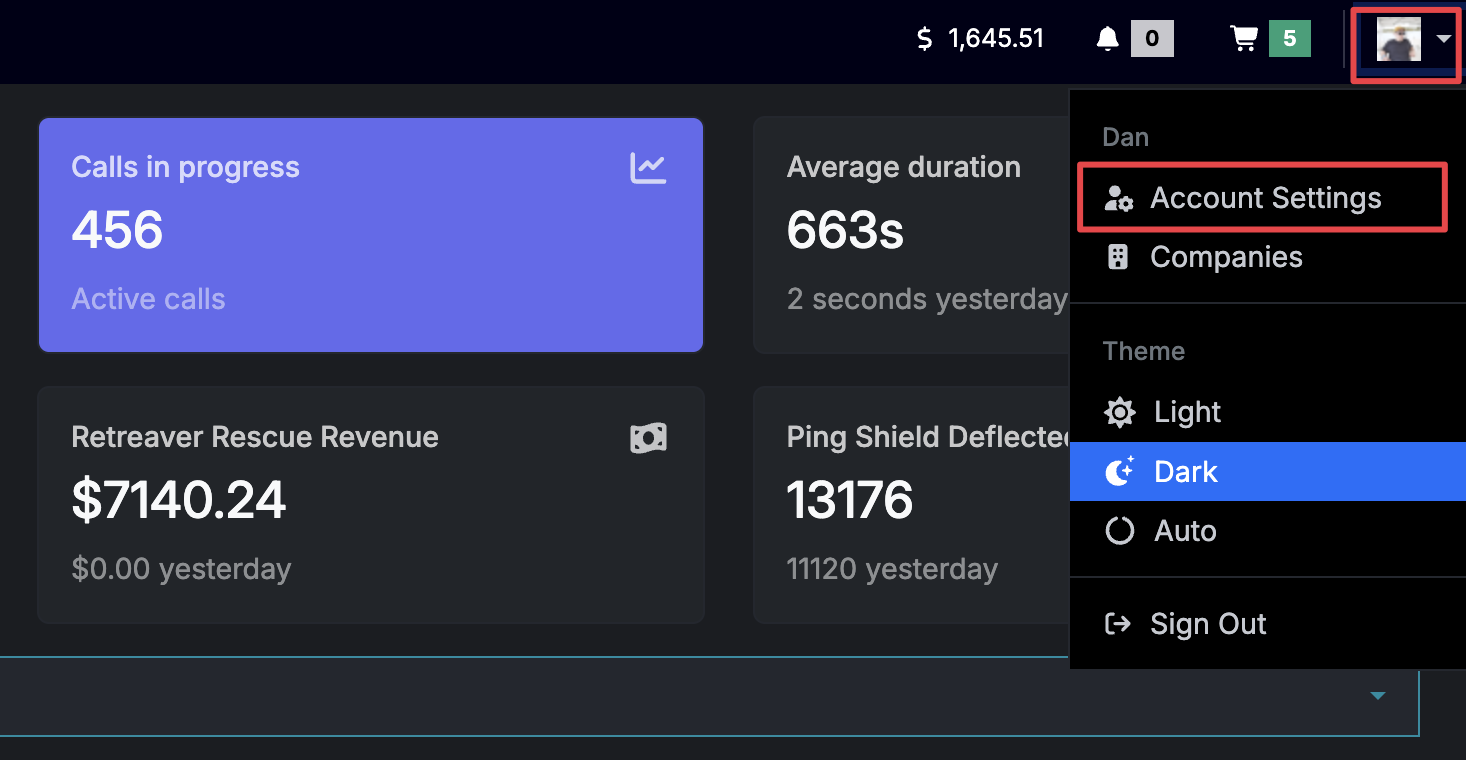
First, go to your Account Settings.
Click your user avatar on the top right -> Click “Account Settings”
Then click on the “Localization” tab and here you will see a dropdown containing different time zones.
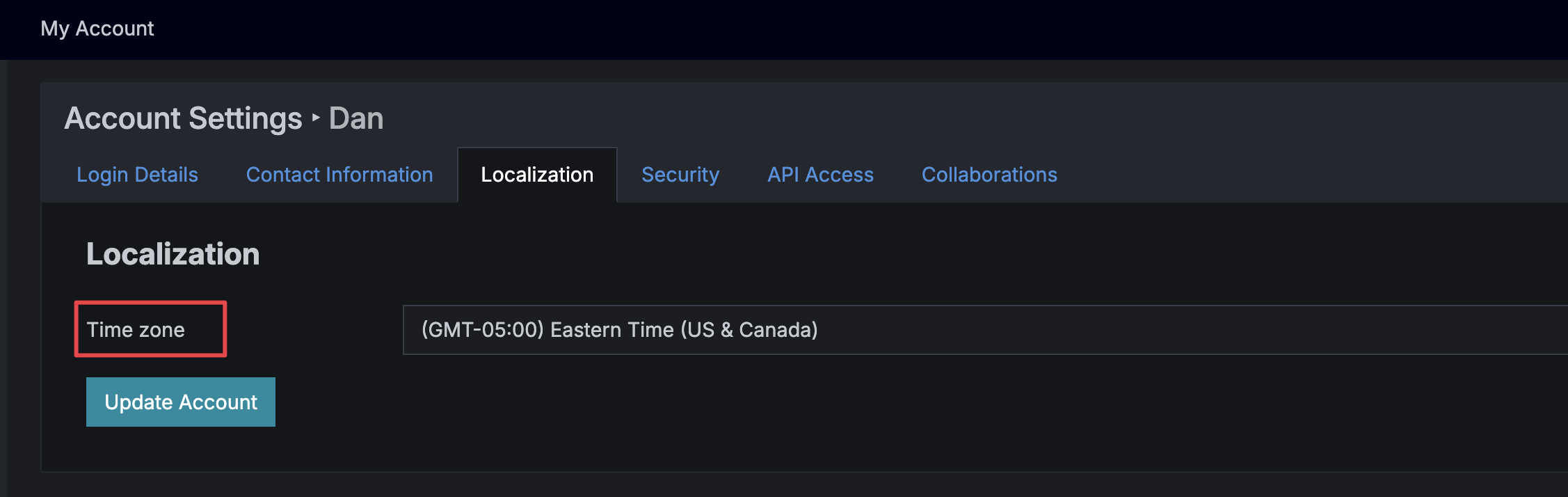
After selecting a time zone press “Update Account”
Where Time Zones are applied
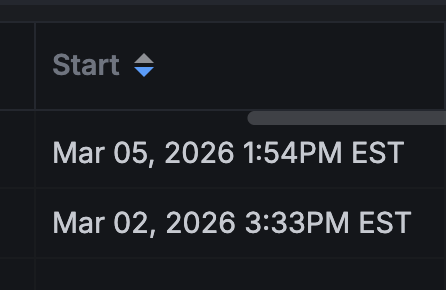
After selecting a Time Zone any dates rendered in reporting tables with use your TZ.
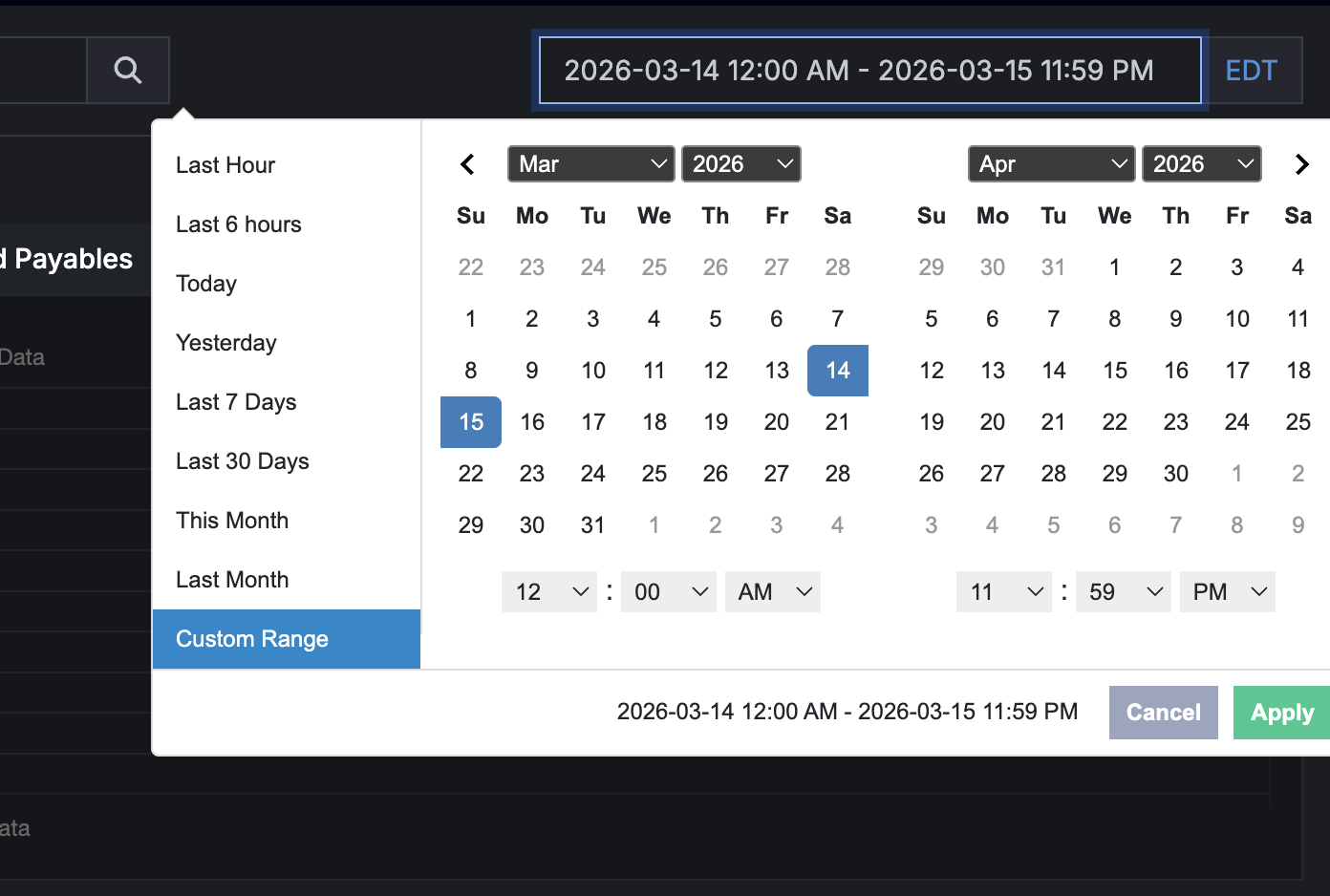
Additionally, when selecting date ranges this date will be evaluated in your selected time zone.
Help us improve this article or request new support guides.
On this page