
UI Update: New way to change companies and navigate Retreaver
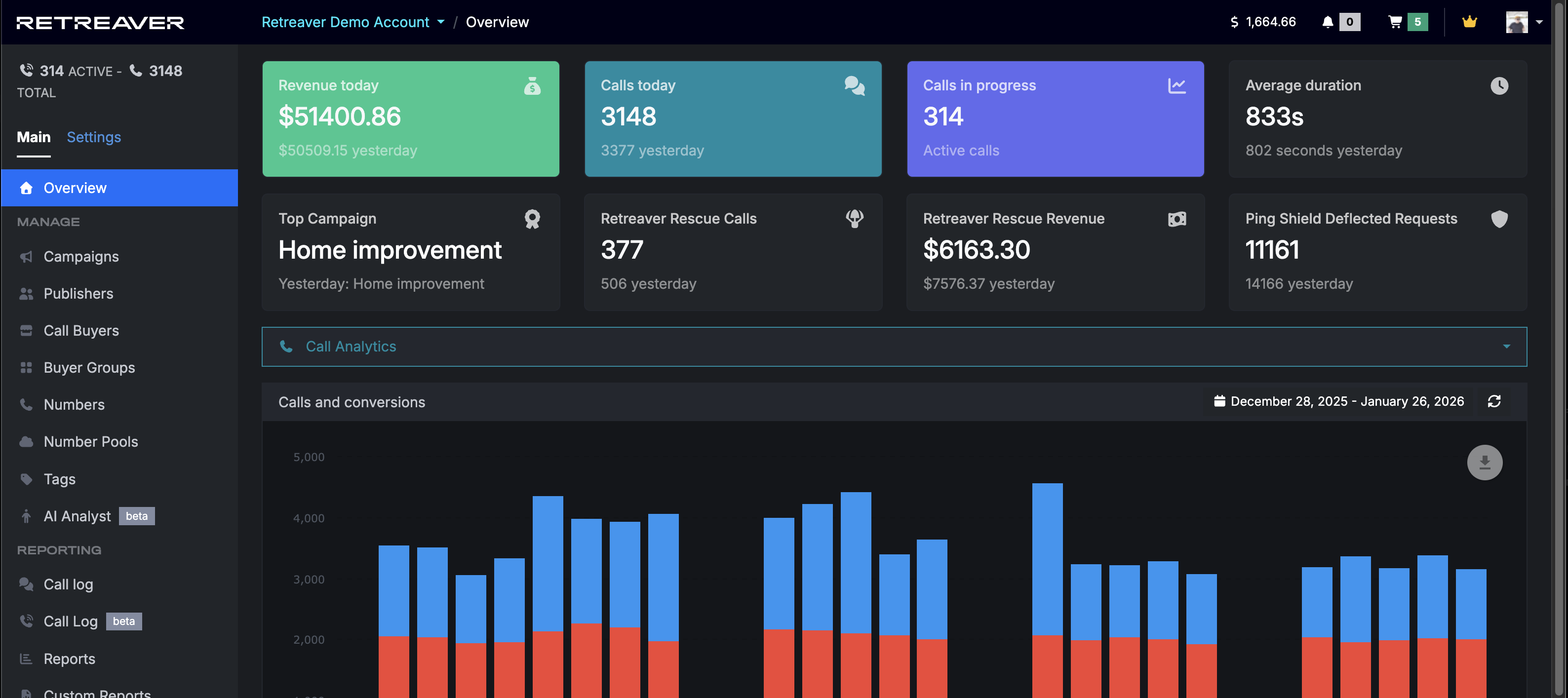
As part of our effort to modernize Retreaver we have updated the UI to be more compact, allowing for more space for tables and dashboards and supporting upcoming improvements to the call detail page.
Watch Demo
See our new demo video: How to Change Companies and Navigate Retreaver (demo)
Changes
-
Company selector is now at the top of the page, to the right of the Retreaver logo

-
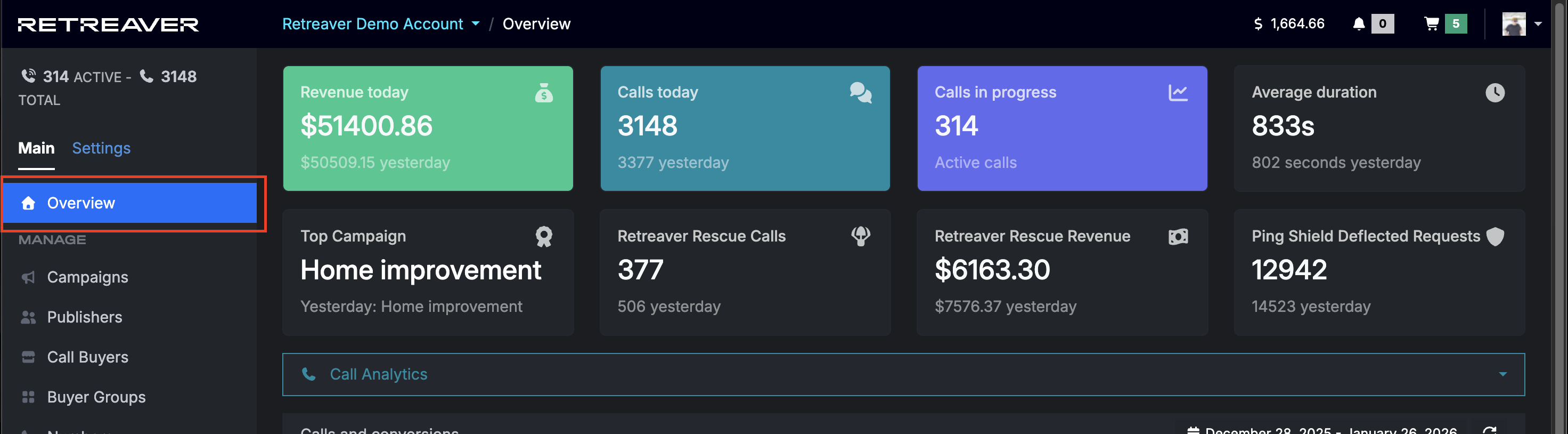
Sidebar is now 20% less wide and the “Dashboard” option has been renamed “Overview” (to help differentiate it from our new Call Log and RTB dashboards)
-
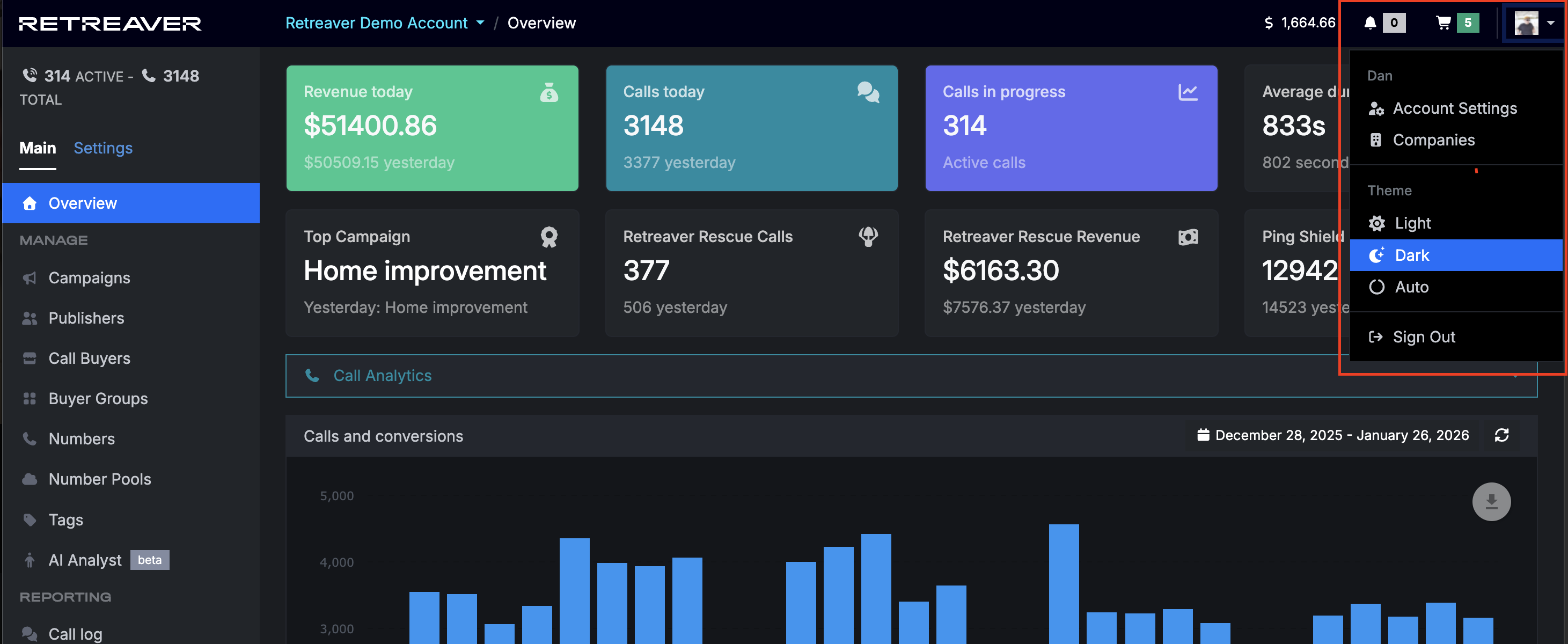
Sign-out button and theme switcher has been moved to a top right menu
-
Breadcrumbs are now in the navigation bar

Help us improve this article or request new support guides.
Previous
Publisher Prioritization, Granular Traffic Control, and Buyer Capacity Protection
Next
Webhook Configurator – 50+ New Templates