
Buyer Greetings: Play a Message to the Caller Before Connecting
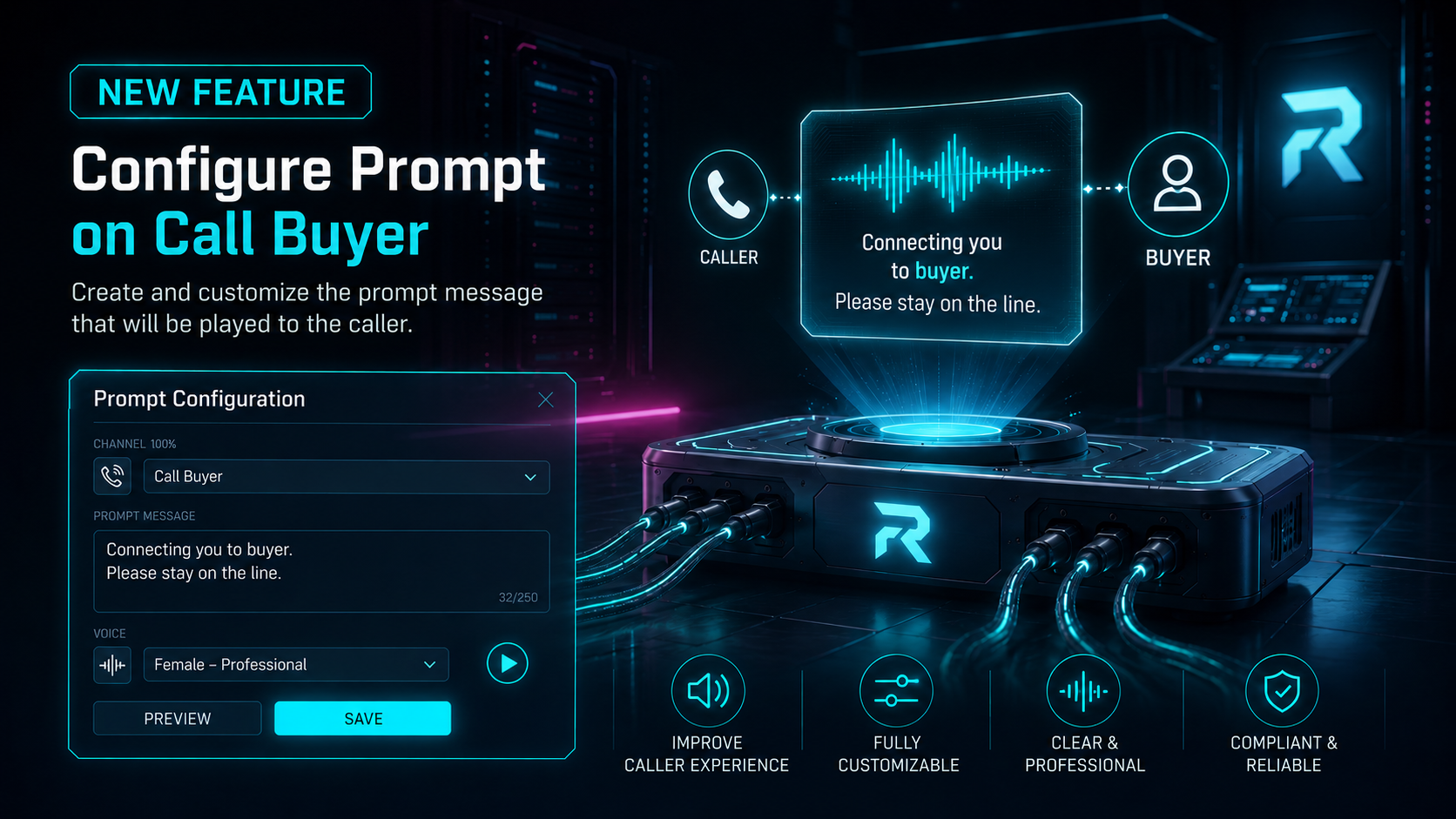
Retreaver can now play a short greeting to the caller in the moment right before they’re connected to a specific buyer. You set it up per buyer, so a caller routed to Buyer A can hear one message while a caller routed to Buyer B hears another or nothing at all.
This is different from the Whisper prompt, which plays to the buyer when they answer. The Buyer Greeting plays to the caller and it plays before the buyer is dialed.
Why this matters
Previously, caller-facing announcements before a transfer were typically handled at the campaign level using the Please Hold prompt. Since that prompt applies to the campaign, the same message plays regardless of which buyer the call routes to.
The Buyer Greeting adds a more targeted option. You can now configure a greeting directly on the buyer, so callers hear a buyer-specific or branded message only when their call routes to that buyer.
This keeps campaign-level prompts simple while making it easier to personalize the caller experience for each buyer.
What’s new
Each buyer now has a Greeting prompt tab on its Prompts form. When configured, the greeting plays to the caller right after the campaign’s Please Hold prompt and immediately before the call is bridged to that buyer.
Key behaviors:
- Per-buyer. The greeting is attached to a single buyer. Callers routed to a different buyer won’t hear it.
- Plays after Please Hold. Order is: Please Hold (campaign) → Buyer Greeting → connect.
- Skipped on simuldial. When a call dials multiple buyers at once, there’s no single buyer to greet for, so the greeting is skipped.
How to use it
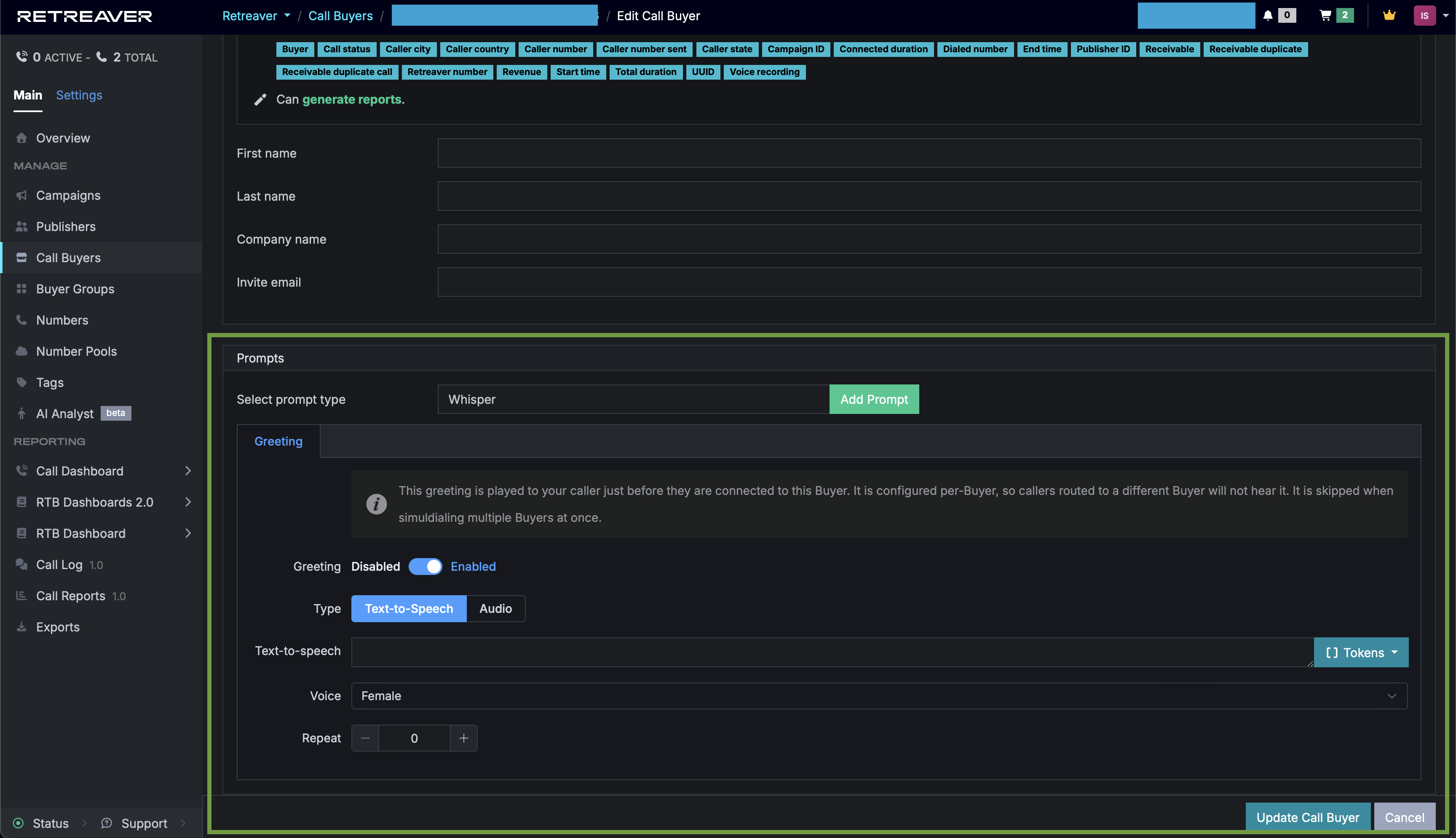
- Open a buyer at Call Buyers → [your buyer] → Edit (or while creating a new buyer).
- In the Prompts section, find the Greeting tab (it’s first).
- Flip the Greeting switch to Enabled.
- Enter the message as text-to-speech, or upload an audio file.
- Save the buyer.
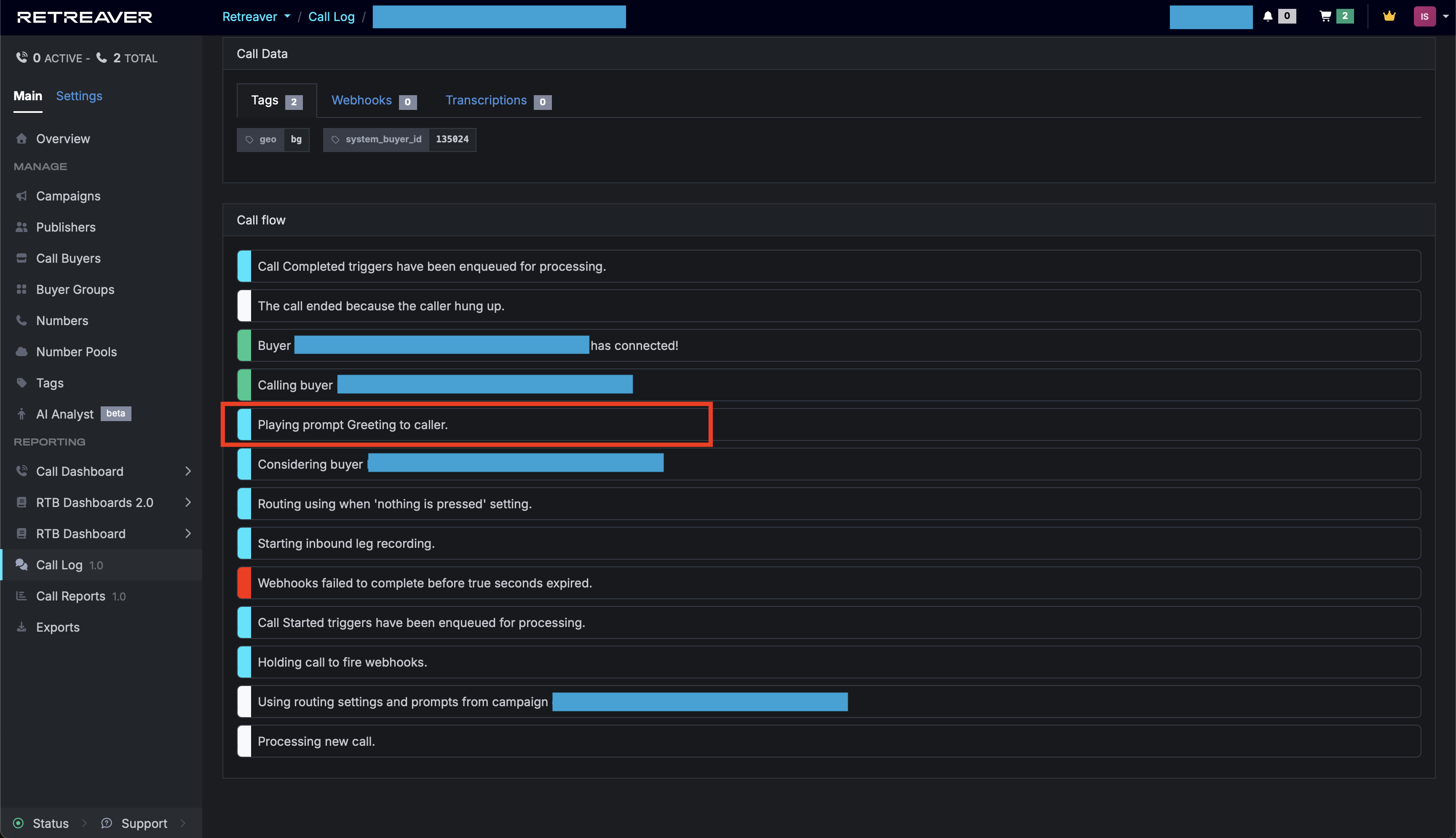
When using this feature, if the connected buyer has configured a greeting prompt, you will see “Playing prompt greeting to caller” in the call log once the call ends.
Permissions and access
Buyer greetings are being enabled gradually as part of the release cycle.
Once enabled, the Greeting tab will appear on buyer Prompts forms and greetings will play on matching calls.
If you don’t see it yet and need access, please contact Retreaver support.
Notes and caveats
- Simuldial calls skip the greeting. If your routing dials multiple buyers simultaneously, design around the fact that no buyer greeting plays in that scenario.
- Greeting vs. Whisper. The Greeting plays to the caller before connecting. The Whisper plays to the buyer when they answer. They’re independent - you can use one, both, or neither.
Next step
Pick one buyer, enable its Greeting, add a short message and place a call that routes to it to hear the new flow end to end. If the Greeting tab isn’t showing, ask Retreaver support to enable buyer greetings for your company.
Help us improve this article or request new support guides.
Previous
New API Docs and AI Chat improvements
Next
Connect RTB calls over SIP — a SIP address on every reservation