
Announcing Retreaver MCP Server

You can now connect an AI assistant to Retreaver. Describe the outcome; it reads your live setup, does the work, and reports back. No API key to paste. No report builder. The same account and permissions you already have.
Retreaver already meets you in the Browser Platform, the REST API, and the mobile app. MCP is the door for the agents working inside your business.
What that looks like
Stand up a buyer in one sentence.
“Add a buyer called Sunrise Insurance to the Auto Insurance campaign, cap it at 50 concurrent calls, route California and Oregon to it, and point its webhook at our CRM.”
That’s the buyer form, number caps, routing, and the webhook configurator — without leaving the chat.
Ask a reporting question without building a report.
“How many converted calls did the Auto Insurance campaign get yesterday, broken down by buyer?”
The assistant runs the same drill-down you’d have clicked together, and can keep going: “break the top buyer down by state.”
Check a caller list mid-flow.
“Have there been any calls to the numbers I uploaded to the Suppressed list this morning?”
No export, no dashboard. Just the answer, in the middle of whatever else you were doing.
More prompts like these: MCP Use Cases.
One company per connection
Every connection is locked to one company — the one you were signed into when you approved it. If you use Retreaver’s company switcher to manage several accounts, the MCP does not follow you. Pointing an assistant at a different company is a separate, deliberate sign-in. Details in MCP Authentication.
You also choose read-only or read-and-manage on the same consent screen. Start with read-only.
Get started
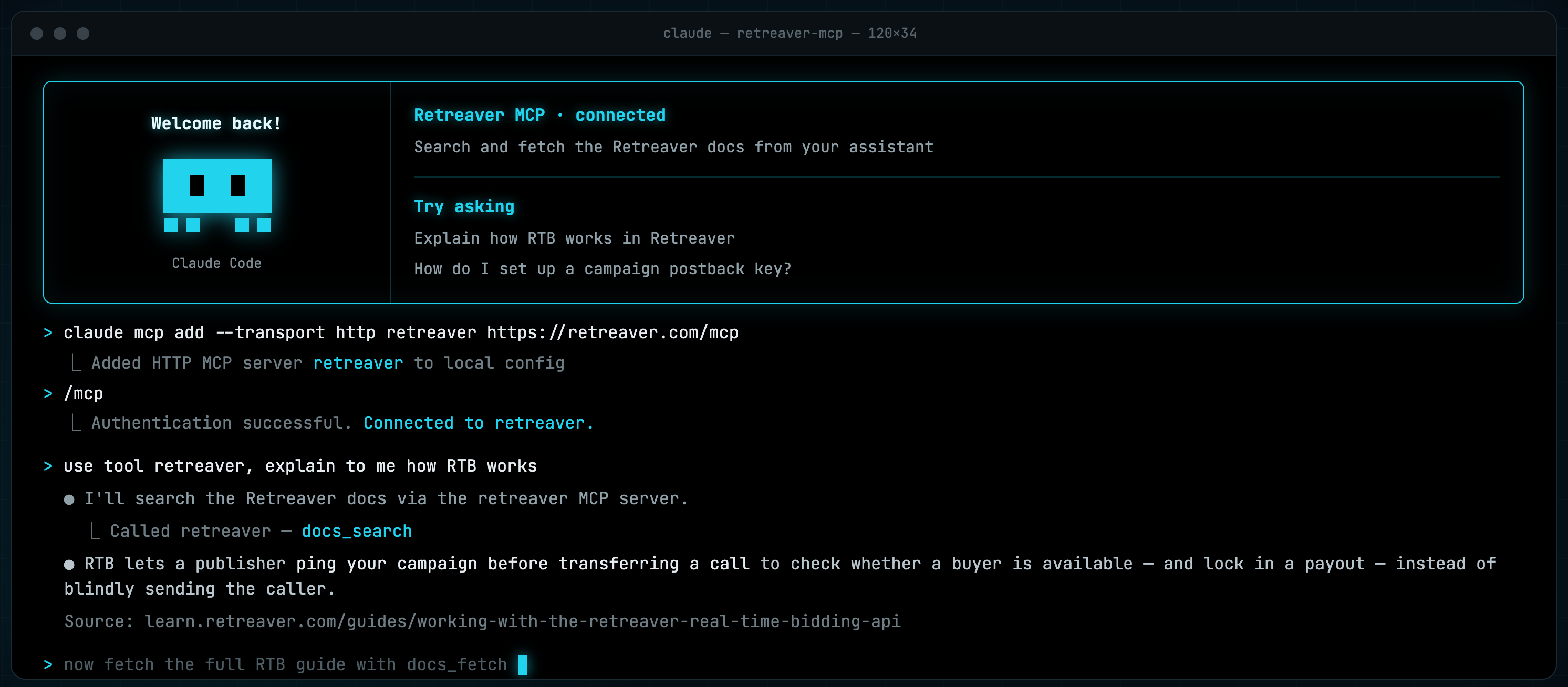
claude mcp add --transport http retreaver https://retreaver.com/mcpThe endpoint for every client:
https://retreaver.com/mcp
Step-by-step for Claude, ChatGPT, Cursor, VS Code, and others: Installing MCP Server.
Note
We’re not in the app directories yet. Retreaver isn’t listed in the Claude Directory or ChatGPT’s app directory, so you add it yourself as a custom connector using the URL above. Once it’s connected, it behaves exactly like any listed connector.
Warning
This is a first release — don’t put it on the critical path yet. We’re shipping to the MCP server constantly, and we may take it down briefly, without much notice, to fix or improve something. It always comes back, but please don’t build a mission-critical flow on it just yet. Kick the tires, automate the nice-to-haves, and give it a little time to prove itself.
Getting started video (from Kiril on his laptop)
What’s next
The catalog keeps growing. Call reporting is here today; RTB reporting is next — we’re holding those tools back on purpose so they land alongside the new RTB Dashboard we’re building, and ship able to answer the same much deeper questions it does.
Same pattern going forward: as new capabilities arrive in Retreaver, the tools to reach them over MCP arrive with them.
Help us improve this article or request new support guides.
Previous
Set Default Tag Values for Buyer Webhooks
Next
Build a caller Q&A flow that runs before your webhooks fire