
Build a caller Q&A flow that runs before your webhooks fire
Why this matters
The moment a call connects, Retreaver can fire your webhooks to enrich, price, or route the call. Collecting the caller’s own answers — insurance status, loan type, age bracket — before those webhooks was already possible, but only with involved setups: chains of extra campaigns and button-press paths to walk the caller through each question. It worked, but it was fiddly to build and harder to maintain.
What’s new
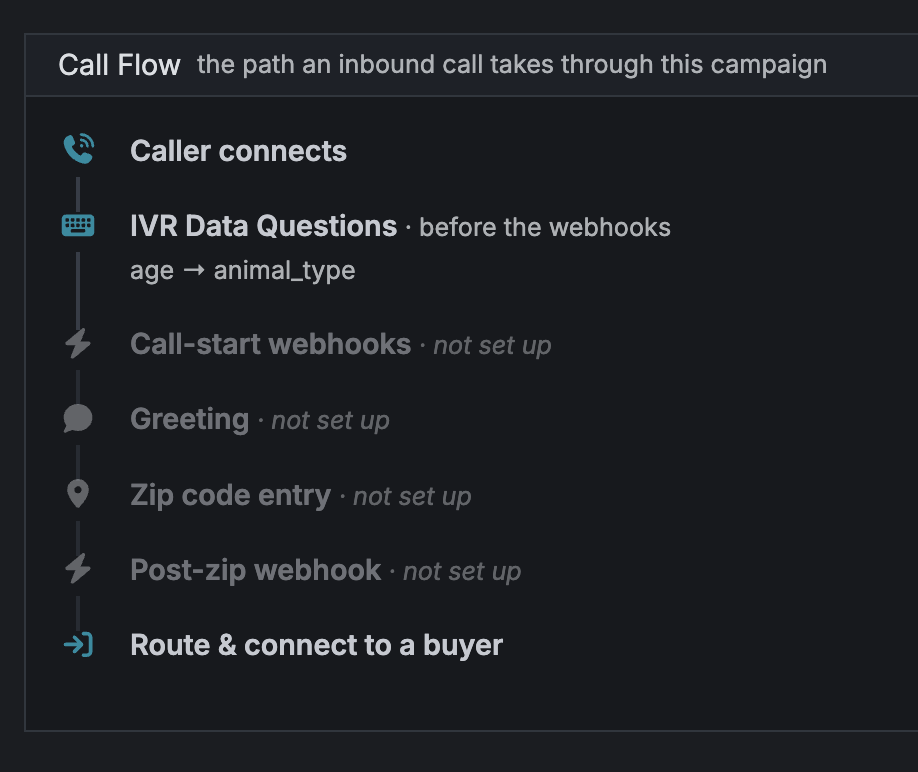
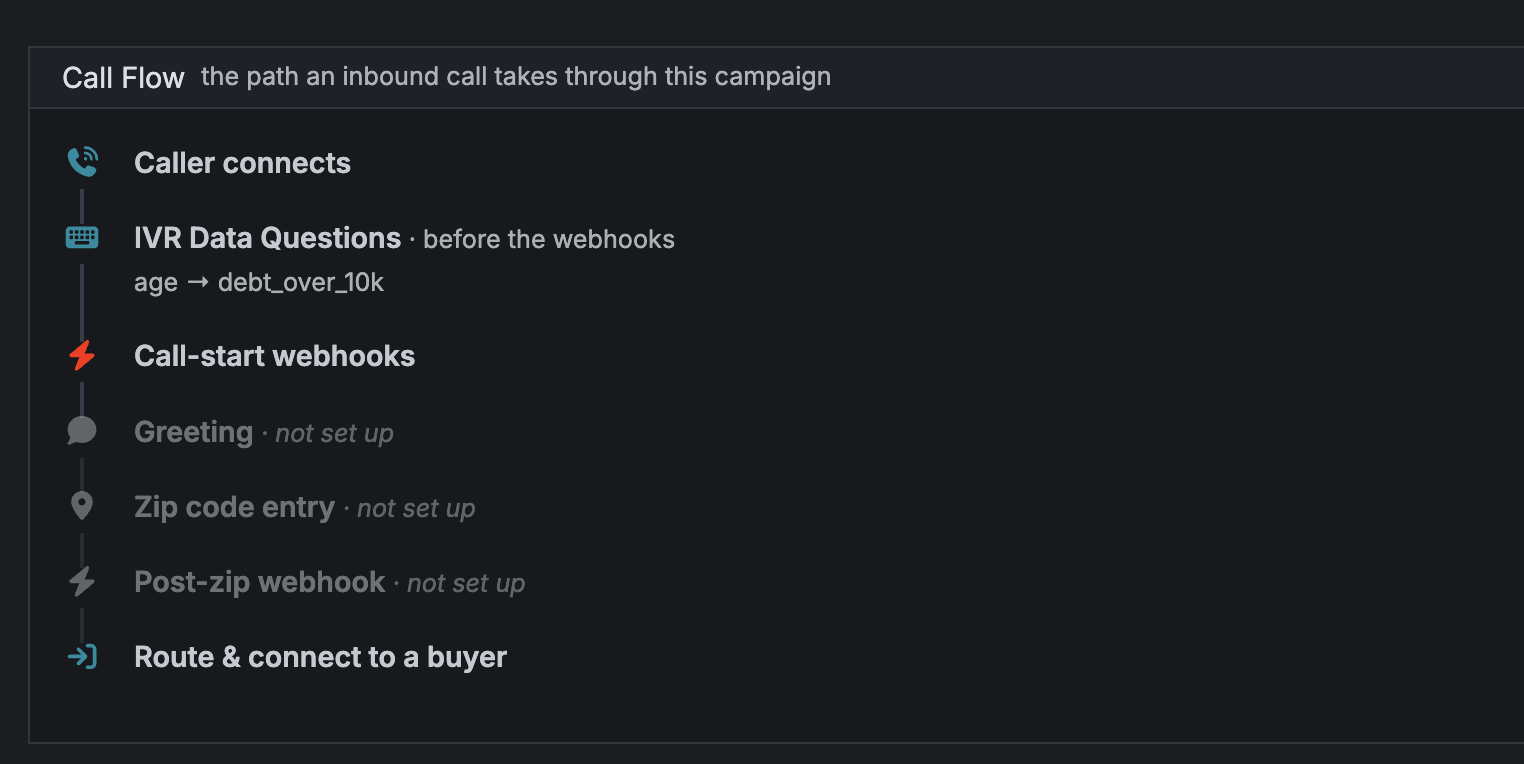
Now it’s much more straightforward. You build a data-collection flow of IVR Data Questions right on the campaign: keypad questions the caller answers on their phone, saved as tags before any of your webhooks fire — no extra campaigns, no button-press mazes. The flow can branch, asking a follow-up only when a previous answer calls for it, so you gather exactly what you need. Every answer is on the call in time to be sent with your first webhooks.
Your normal call flow is unchanged. A data-collection flow is an opt-in step you add only where you need caller-provided data up front.
-
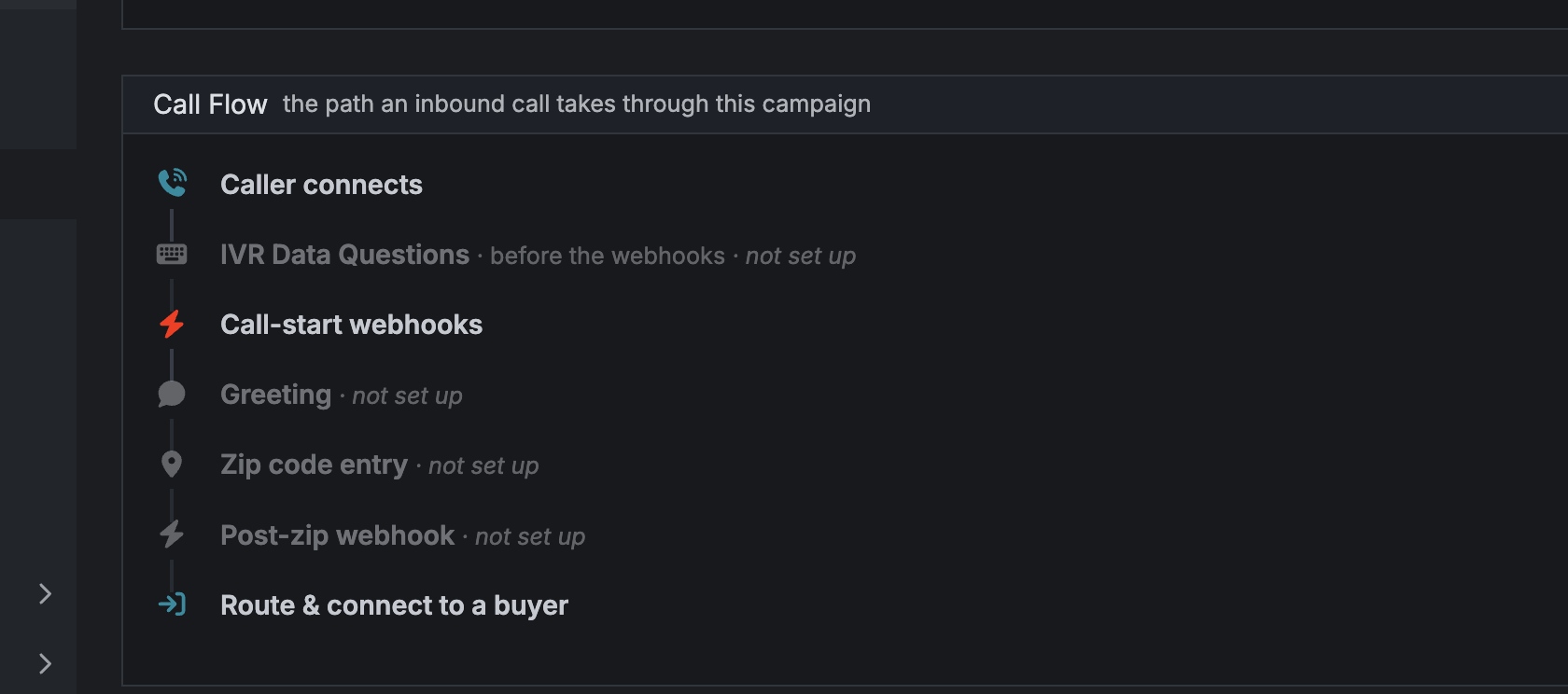
The call flow before
-
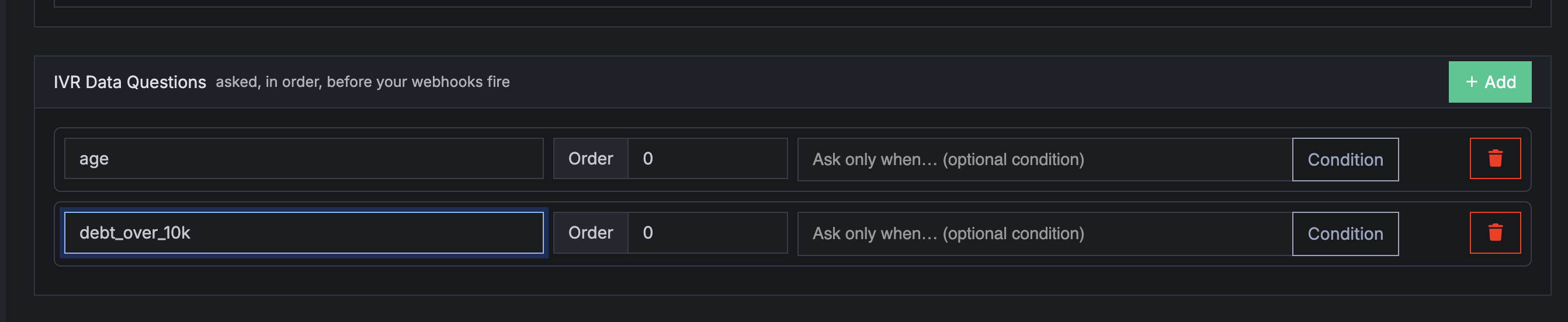
Adding the IVR data questions
-
The call flow after the IVR data questions
How to use it
- On each tag you want to collect, set up its IVR question — the prompt the caller hears and the keypad answers that map to values.
- Open the campaign and add your questions as an ordered flow.
- Make it conditional where you want to: on any question choose “Ask only when [tag] is [value]” so it’s asked only when an earlier answer matches. For example, ask “When does your policy expire?” only when the caller answered that they’re insured.
- Save. On the next call the caller is asked one question at a time, right after they connect and before any webhooks fire; answers already known for the call are skipped, and every collected value is included in those webhooks’ payloads.
Good to know
- Questions are asked in order, one at a time, and skipped when the value is already known for the call or when the question’s condition isn’t met.
- Order matters: a question’s condition can only depend on answers collected earlier in the flow.
- Each tag’s question is attached to one campaign at a time. To use the same tag on a different campaign, remove it from the first campaign first.
Access
- You need permission to edit the campaign.
- If you don’t see IVR Data Questions on your campaigns yet, ask your account manager to turn the feature on for your campaign as we are rolling it out slowly in this week.
Help us improve this article or request new support guides.