
How to remove Collaborators and Superusers
Quick summary
Retreaver allows you to create collaborators and superusers which grants them access to certain features within your account. For more information visit our guide on [Collaborating with Publishers and...
Overview
Retreaver allows you to create collaborators and superusers which grants them access to certain features within your account. For more information visit our guide on Collaborating with Publishers and Call Buyers.
Removing Collaborators and Superusers
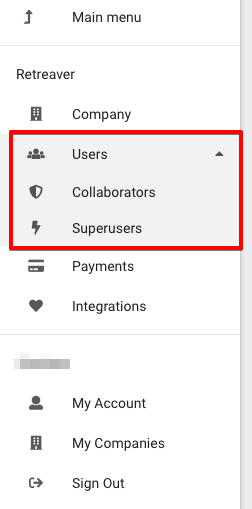
Start by going to the "Settings" menu on the left side of the Retreaver navigation panel. Then head over to "Users" where you will be able to see and configure a list of collaborators and superusers associated with your account.
You then have the option of editing or removing a collaborator under the "Actions" column on the right of the list:
Help us improve this article or request new support guides.