
API Authentication
To authorize, use this code:
curl "https://api.retreaver.com/calls.json?api_key=[api_key]&company_id=1"If you have a Retreaver account, you can find your Core API key on your API access page.
You can find it under Account Settings -> API Access
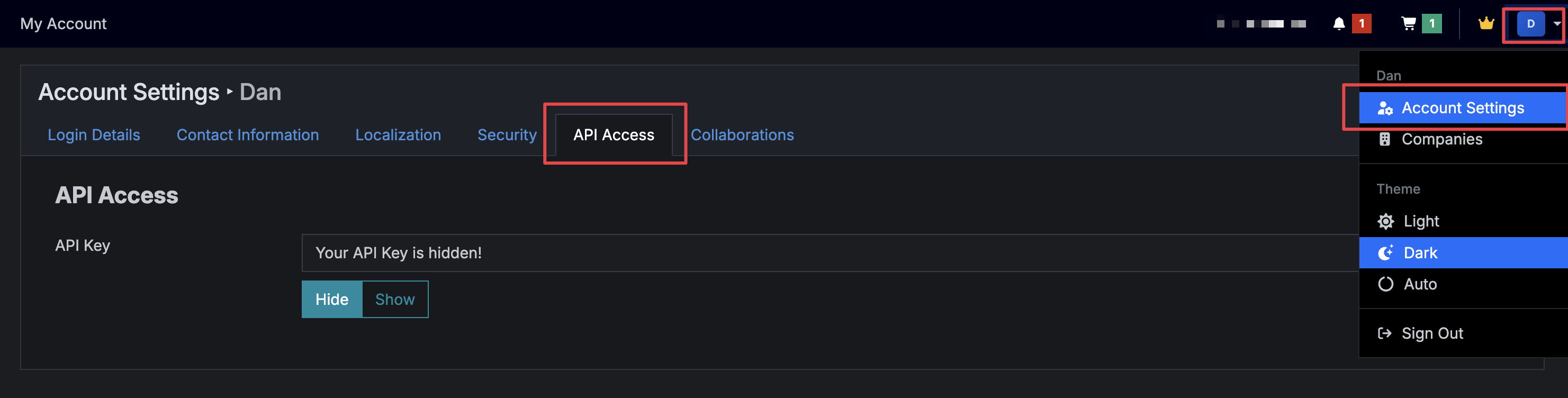
Retreaver expects for the API key to be included in all API requests to the server in a query string parameter that looks like the following:
?api_key=[api_key]
Note
If you have access to more than one company on Retreaver, pass the company_id of the company you want to work with. If omitted, the request uses the API key’s active Company.
?api_key=[api_key]&company_id=1
You can find your company ID here.
Warning
You should never, ever expose your Retreaver Core API key publicly as it can be used to access your entire Retreaver account without restriction!
If you suspect your API key has been publicly exposed, reset it.
Help us improve this article or request new support guides.